|
|
 |
| Support |
 |
Technical Support |
AhnReport - System Analyzing Tool
| |
In order to respond to the problems on your computer promptly and accurately,
AhnReport collects your system information and provides it to the AhnLab security experts.
|
 |
Information collected by AhnReport
- PC System Information & Operating System(OS)
- Files and program information that can influence or is related to AhnLab Products
- Collected information will not be used without user consent.
- Process of collecting your system information can take a while.
How to use AhnReport
- Step 1. Click [Download AhnReport] button and save the file in a temporary folder.
- Step 2. Run the saved 'AhnReport.exe' file.
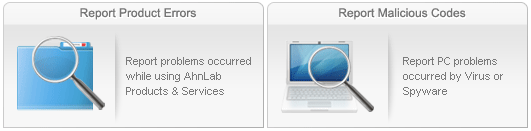
- Step 3. To report suspicious activities, click 'Error Report' or 'Malicious Code Report' button on the top of the program.
- Step 4. Enter 'Name' and "Description".
- Step 5. If file attachment is needed, use 'Suspicious Files' or 'Other Files' menu.
- Step 6. Click 'Send' to finalize Error Report.
- Step 7. To finalize 'Malicious Code Report', Click 'Save' and save your AhnReport file. Then submit it HERE
|
|
|
|

